GnozAstro App Manual · 5/13
Screen readings
These readings apply to the displayed chart, whichever it is.
- Aspect Grid — The grid button on the bottom bar opens the aspect matrix of the displayed chart. When an outer ring is present, it takes the columns.
 Aspect Grid — The grid button on the bottom bar opens the aspect matrix of the displayed chart. When an outer ring is present, it takes the columns.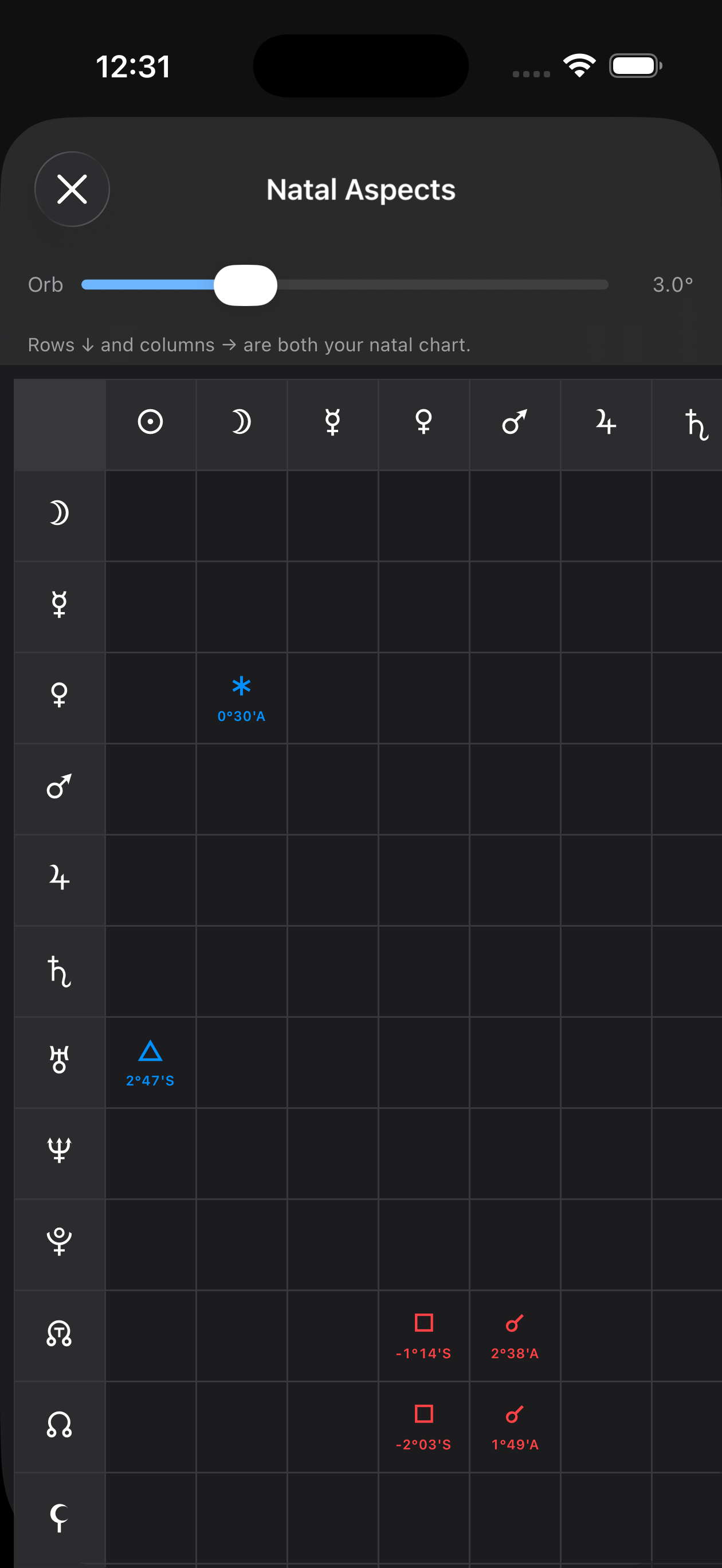
- Transit Calendar — In the TOOLS drawer: every contact of the period, dated, with its orb and its cycle phase, ↗ waxing or ↘ waning. Tap a line to open the transit details. The result can be exported as a PDF.
 Transit Calendar — In the TOOLS drawer: every contact of the period, dated, with its orb and its cycle phase, ↗ waxing or ↘ waning. Tap a line to open the transit details. The result can be exported as a PDF.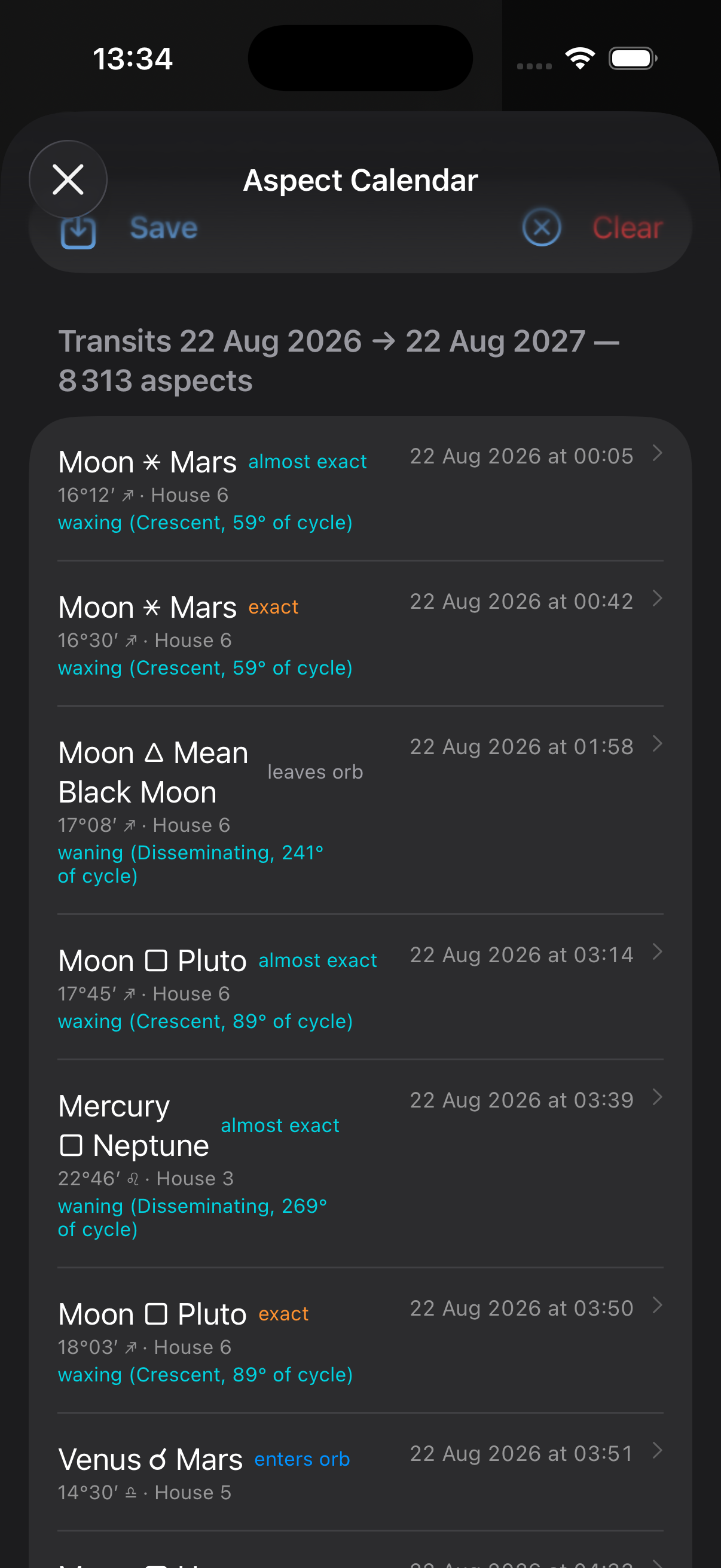
- Chart Info — The ⓘ button on the bottom bar: the chart's tables — positions, declinations, dignities, patterns.
 Chart Info — The ⓘ button on the bottom bar: the chart's tables — positions, declinations, dignities, patterns.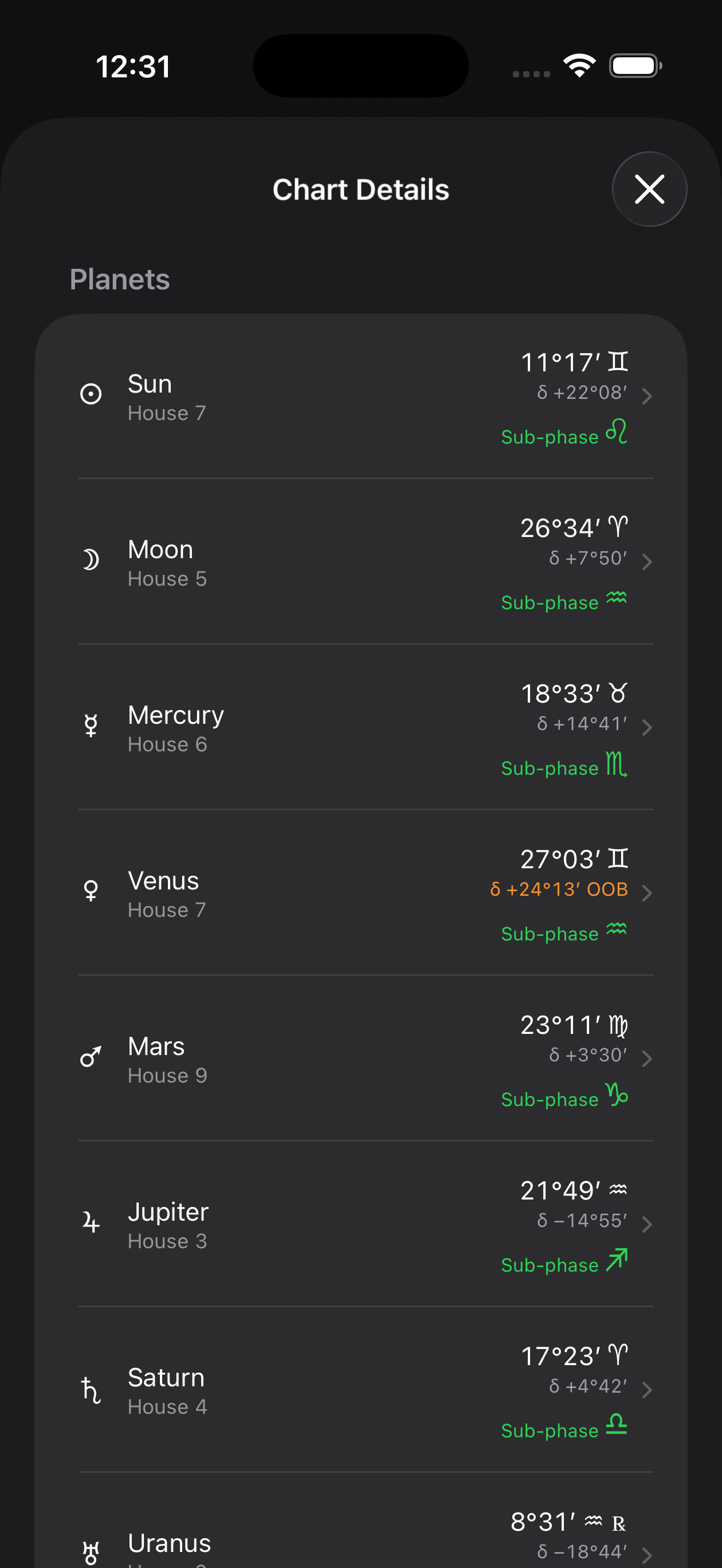
- Export Chart PDF — The share button exports the wheel as displayed. The professional report, with your practice's letterhead, exports from the chart menu.
 Export Chart PDF — The share button exports the wheel as displayed. The professional report, with your practice's letterhead, exports from the chart menu.
Last updated —